Guides / How to write AI video prompts
How to write AI video prompts
Updated October 13, 2026 · about 10 minutes
A good AI video prompt describes one shot the way a director would brief a camera crew: where the camera is and how it moves, who is in frame, what they do, where it happens, how it looks and what it sounds like. Write things the camera can see, not moods. Put length, ratio and resolution in the settings, not the text. Then change one part at a time until the shot lands. The model-specific tricks (shot labels, timestamps, reference tags) sit on top of that one habit.
The shot formula almost everyone agrees on
Vendor guides use different words for the same structure. Google's Veo 3.1 guide writes it as cinematography + subject + action + context + style and ambiance. The Seedance 2.5 guide published on fal starts from subject and action, then optional scene, style, camera and audio. Notice what's required and what isn't: a subject doing something is the core, and everything else is there to remove guesswork.
A useful order to write in, then:
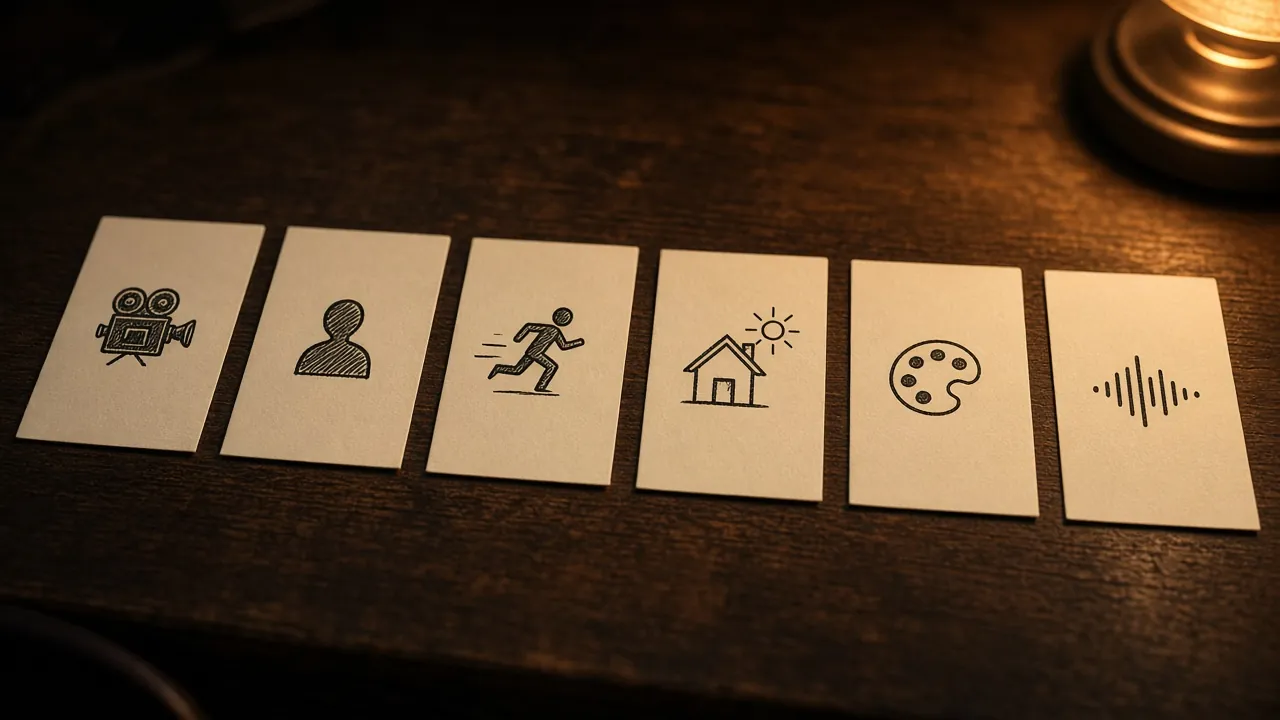
- Camera: shot size and position, and the move (a slow push-in, a locked-off wide, a handheld follow).
- Subject: who or what, with the details that must stay fixed.
- Action: one main thing that happens.
- Setting and light: where, when, and where the light comes from.
- Style: the look in a few words (film stock, grade, era).
- Sound: ambience, effects, and any dialogue.
Write what the camera can see
Models render pixels, not feelings. "She is heartbroken" leaves the model to guess; "her eyes redden, she looks down, her breathing quickens" gives it something to draw. The Seedance 2.5 prompting guide makes the same point about emotion: describe visible facial changes instead of an abstract mood alone. The same goes for places. "A cozy café" is a mood; "a narrow café, rain on the window, warm tungsten bulbs, steam off a cup" is a set.
Our rule of thumb: if a camera operator couldn't point at it, rewrite it.
Describe camera moves by what happens on screen
Camera words are where prompts most often fail quietly. Team fal's Kling 3.0 guide advises: “Instead of vague phrasing, describe how the camera behaves over time.” So not "dynamic camera" but "the camera tracks beside her at walking pace, then stops as she stops." For less common terms (a dolly zoom, a whip pan), the Seedance 2.5 guide's checklist asks whether each uncommon term is followed by its visible result. Write "dolly zoom: the background stretches away while her face stays the same size."
If the camera still ignores you, there are known fixes by model on Fix a failed take, for example Kling ignoring the camera.
Sound and dialogue
Models that generate audio listen to the prompt too. Google's Gemini API docs note that you can give Veo cues for sound effects, ambient noise and dialogue, and the convention across vendors is to put spoken lines in quotation marks. Two details matter more than they look:
- Put the delivery before the line. One Veo 3.1 ad guide found that a delivery instruction placed after the quote is much weaker. Write she whispers, half-laughing: "we made it", not the other way round.
- Tie every line to a speaker. Kling's own 3.0 guide says the model matches voices to people by clearly specifying dialogue for each character. With two or more people, name them and keep the names fixed.
Keep dialogue short. The same Veo guide puts it at roughly 15 to 20 spoken words in eight seconds; past that, lines get rushed or cut.
Several shots in one generation
Newer models can cut between shots inside one clip. Two formats cover most of them:
- Labelled shots. The fal guide to Kling 3.0: “For multi-shot prompts, clearly label shots and describe each one’s framing, subject, and motion.” Shot 1, wide: … Shot 2, close-up: …
- Timestamps. Veo 3.1 and Seedance 2.5 both accept time ranges like [0–3s] … [3–7s] …. Treat them as a budget, not an edit decision list: the Seedance 2.5 guide on fal is explicit that timestamps allocate time to events and are not frame-accurate edit points.
Either way, give each shot one job. If a range holds too much, actions get dropped; if it holds too little, the model improvises.
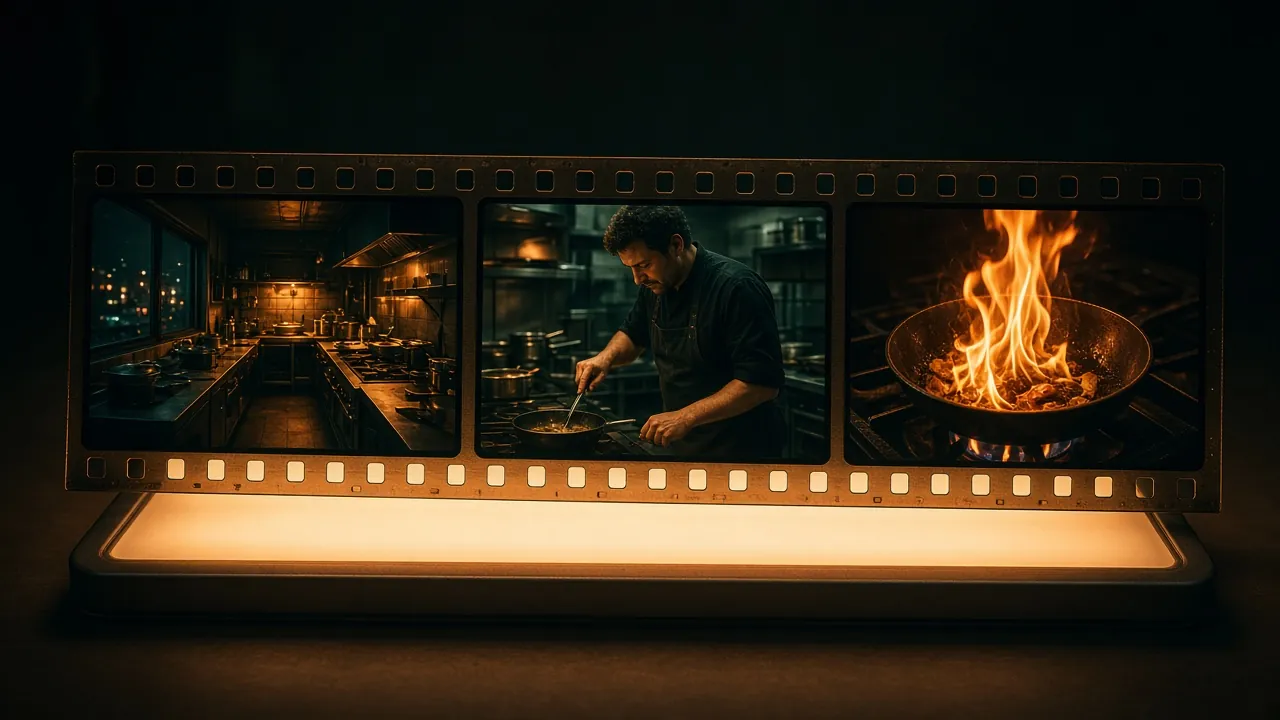
Image-to-video and references
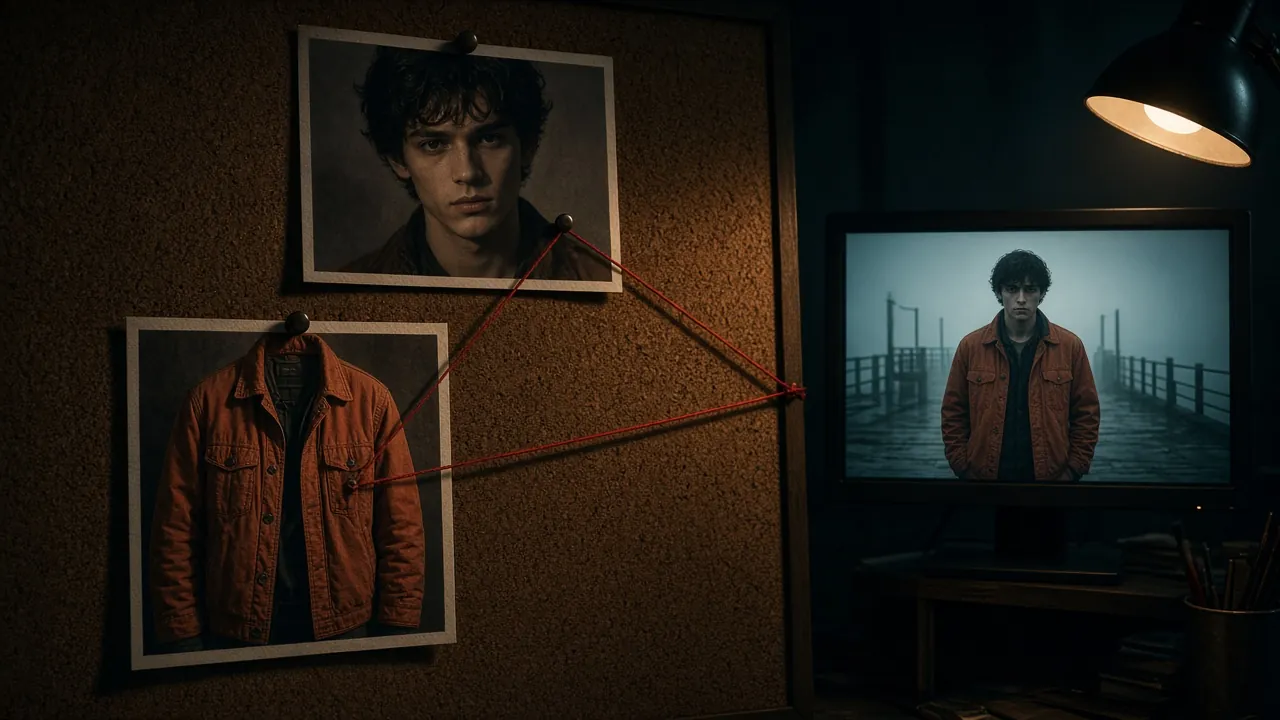
When a face, product or style has to stay put, start from an image. Then the prompt's job changes: describe what moves, not what's already in the frame. With several references, say exactly what each one is for. fal's Seedance 2.5 guide warns against lumping them together, because that does not state which image corresponds to which character. Write "Image 1 is the woman's face; Image 2 is her jacket; ignore Image 2's background."
Limits differ by model: Google's docs allow Veo up to three asset images of a single person, character or product, while Seedance 2.5 takes far more. For products, Kling's ad guide adds a practical warning: a product may look right in the opening frame but change as it moves, so watch the whole take. Our product morphing fix covers what to change.
What to leave out
- Resolution and quality words. "4K, ultra HD, 8k" in the text mostly add noise; choose resolution in the settings.
- Long lists of negatives. Describe the absence instead. Google's example: ask for "a desolate landscape with no buildings or roads" rather than "no man-made structures".
- Two actions in one shot. If something else happens, it's the next shot.
A worked example, start to finish
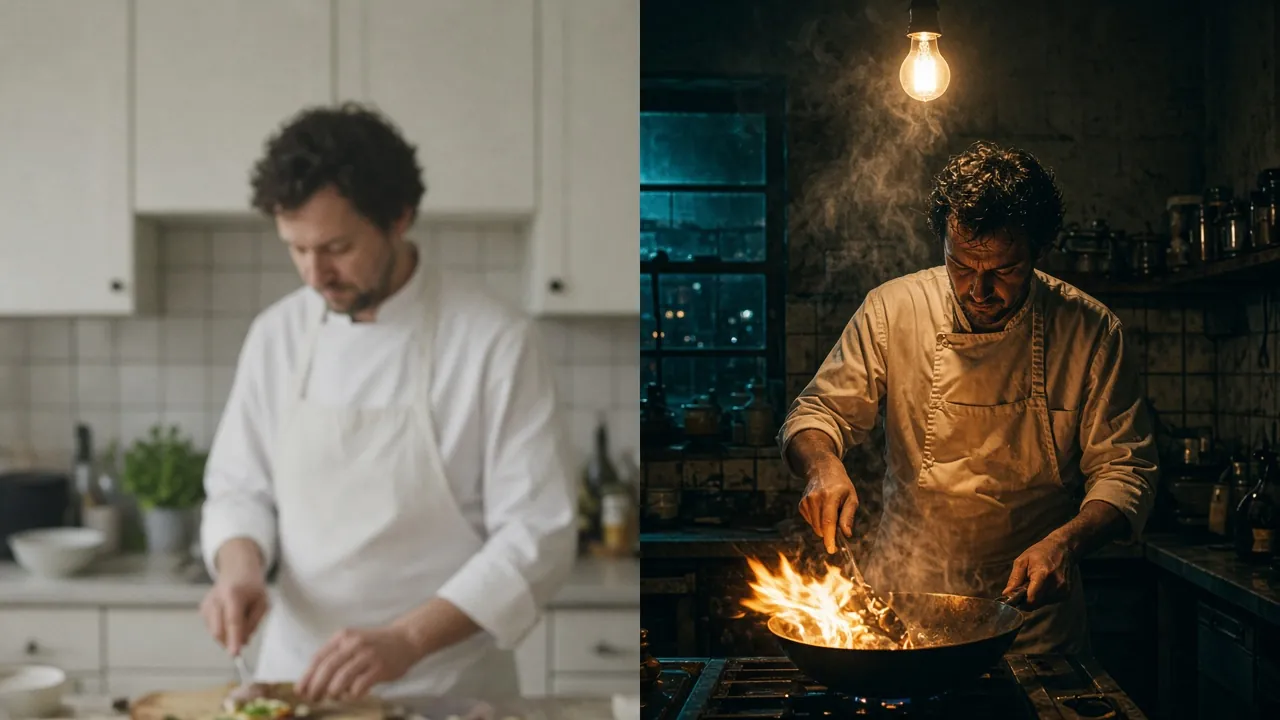
First try: a chef cooking, cinematic, 4K, amazing lighting
Rewritten as one shot: Close-up at counter height, slow push-in. A middle-aged chef in a stained white apron flips a pan of vegetables; flames flare for a second. A small, busy kitchen at night, hard light from a single bulb above, steam drifting across frame. Warm, slightly grainy film look. Sound: sizzling oil, a clatter of pans, a muffled radio.
As two shots (for a model with multi-shot): Shot 1, wide: the kitchen at night, the chef at the stove, steam in the light. Shot 2, close-up: the pan flips, flames flare, the chef's face lit orange.
If the first take is close but the camera is wrong, change only the camera sentence. If the look is wrong, change only the style sentence.
Prompt examples by model
Every model has quirks on top of these basics. Our sourced collections: Seedance prompts, Kling prompts and Veo prompts. For the whole process from shot list to edit, see how to make AI videos, and to price a project, the cost calculator.
Facts and quotes link their sources and are checked word for word against the saved pages. No links on this page are paid.