Guides / Best AI video generator
The best AI video generators in 2026
 By Jordan Corbett · Updated October 15, 2026
Some links on this page may become affiliate links. If you buy through one, AI Video Atlas may earn a commission at no extra cost to you. It never changes our prices, order or picks. Disclosure.
The best AI video generators we checked
-
 Best overall
Seedance
Best overall
Seedance
-
 Best for directed action
Kling
Best for directed action
Kling
-
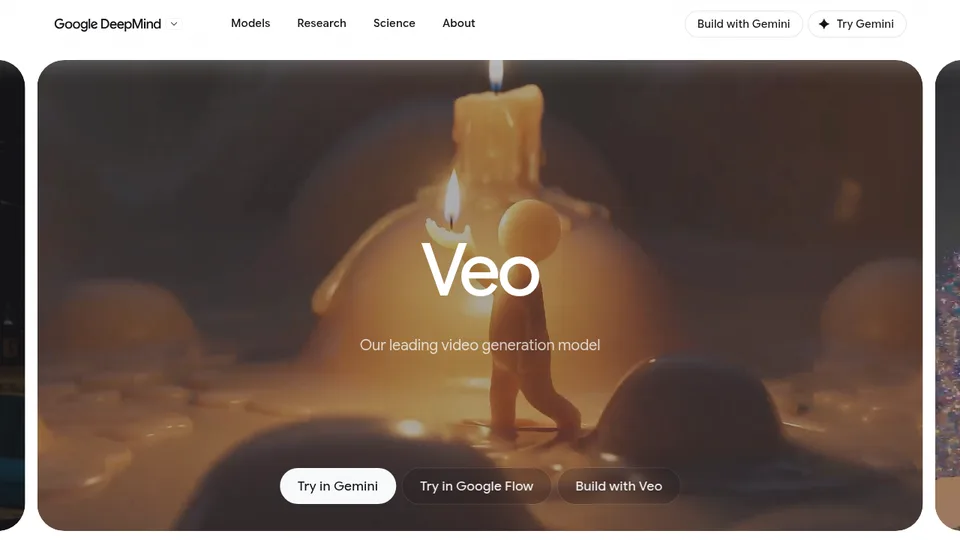 Best with built-in sound
Google Veo
Best with built-in sound
Google Veo
-
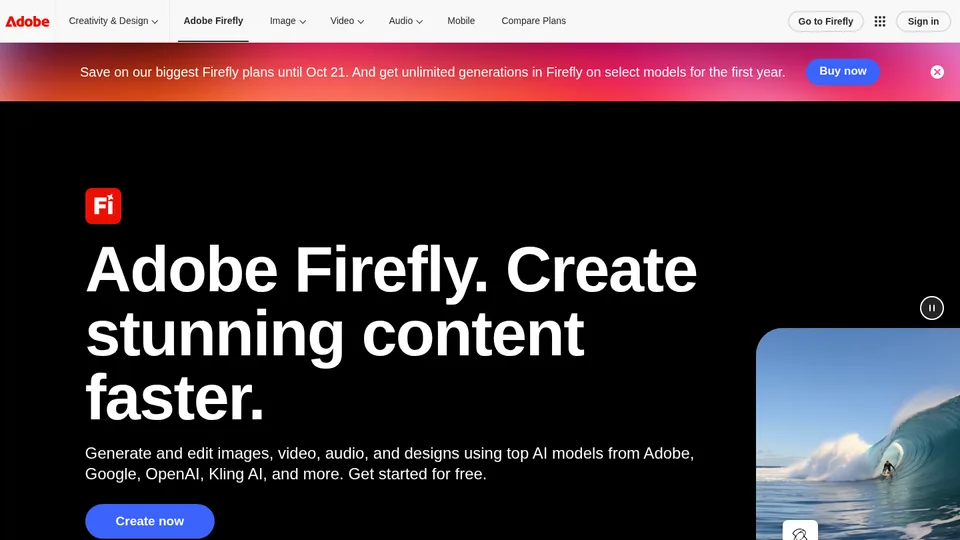 Best for commercially safe / Adobe users
Adobe Firefly
Best for commercially safe / Adobe users
Adobe Firefly
-
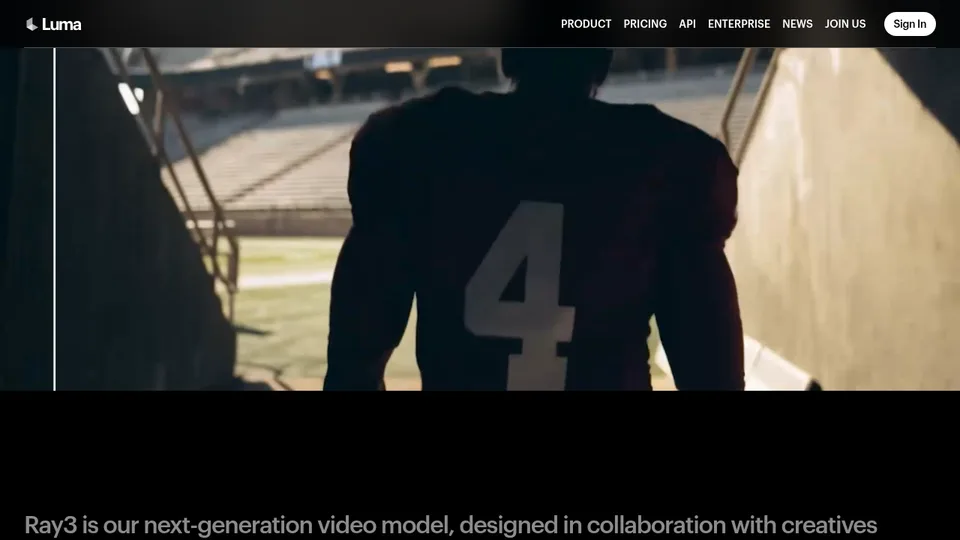 Best budget
Luma
Best budget
Luma
-
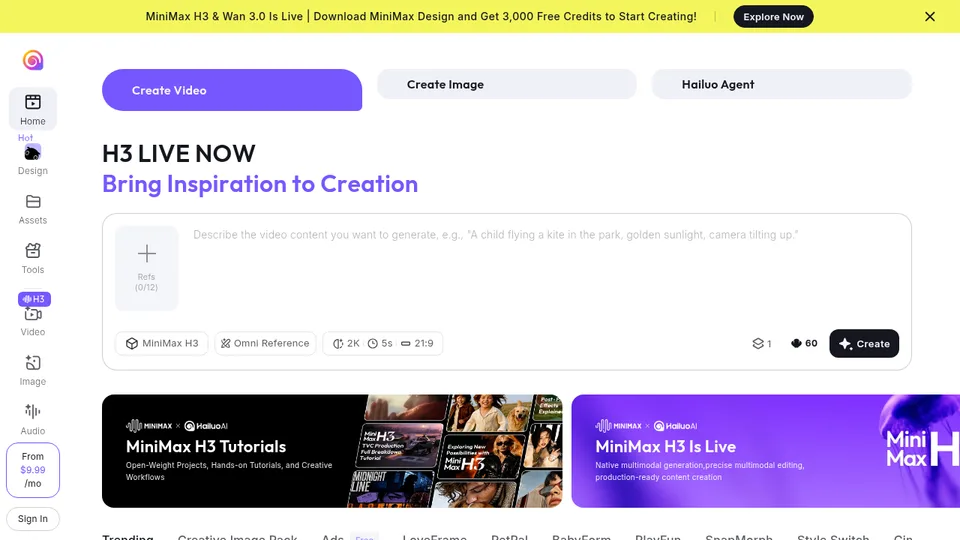 Best for quick motion drafts
Hailuo (MiniMax)
Best for quick motion drafts
Hailuo (MiniMax)
-
 Best for easy social clips
Pika
Best for easy social clips
Pika
-
 Best for titles & graphic VFX
Runway
Best for titles & graphic VFX
Runway
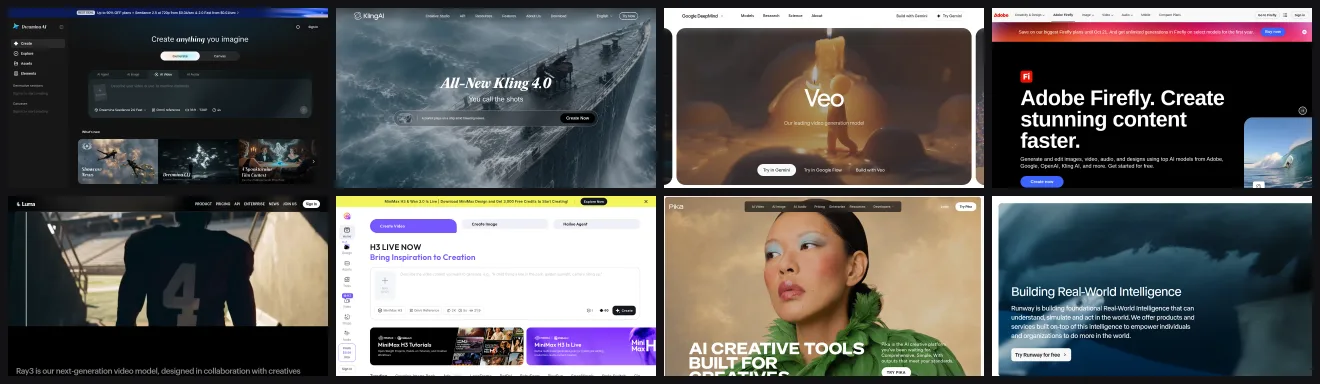
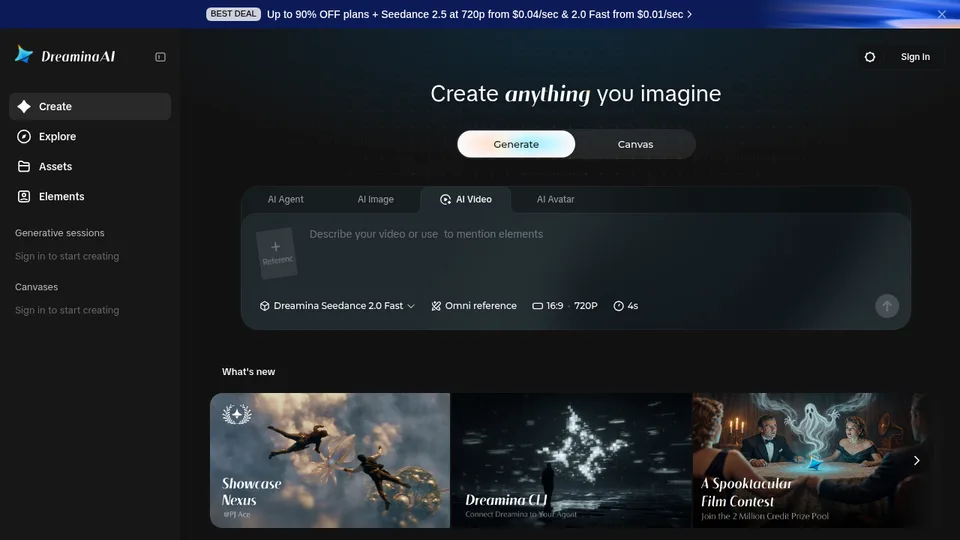
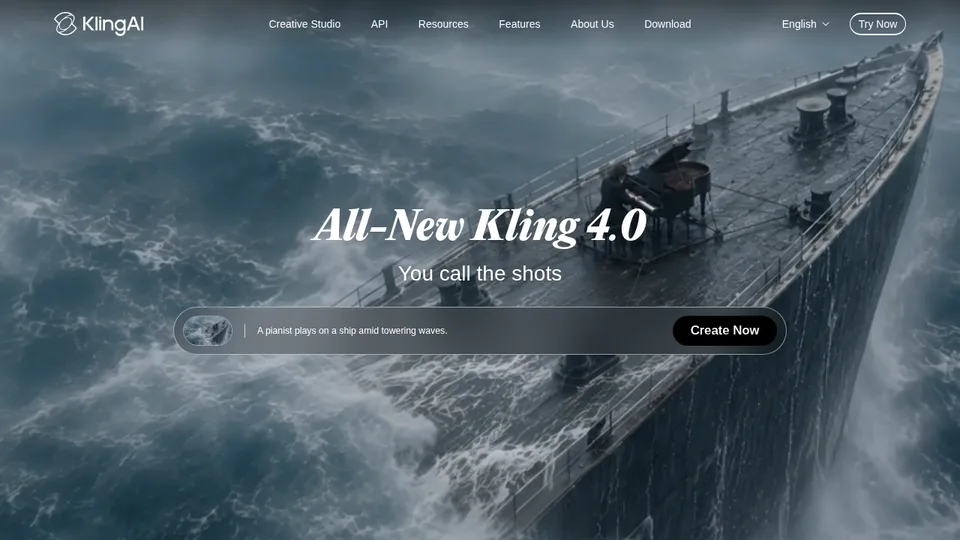
Ads, YouTube, anime, free tiers, and quick motion drafts each need a different tool. Prices below are effective $/s from official consumer plans where we could verify plan price, credits, and credits per clip. Screenshots are from each tool’s official site—not a lab bake-off.
How our recommendations compare
SeedanceKlingGoogle VeoAdobe FireflyLumaHailuo (MiniMax)PikaRunwaySources: Seedance · Kling · Google Veo · Adobe Firefly · Luma · Hailuo (MiniMax) · Pika · Runway. Consumer-plan $/s checked 2026-10-15. Unverified cells show “Not listed”. Rows marked (est.) use an assumed clip length noted in the specs. Full dated rates: price tracker · Cheapest generators · Seedance free.
Best overall: Seedance
Our pick for most creator jobs that need a polished ad or UGC-style clip with sound and longer takes.
Creators in our library reach for Seedance when the shot has to feel finished for ads and vertical social. Official specs back a wide length range (4–30s) and synchronized audio. Dreamina lists Seedance 2.5 at 720p from $0.04/s—higher than Luma’s verified rate, lower than Firefly, Pika, and Runway. We put it first for finished-ad quality, not because it is the most expensive. For directed action, use Kling; if cost per second is the priority, start with Luma (Best budget).
Pros
- Long clips (4–30s) with synced audio on official product pages
- Strong fit for ads, walk-and-talks, and vertical social
- Clear stated Seedance 2.5 $/s on Dreamina’s credit page
Cons
- Costs more per second than Luma Plus on our verified rows
- Faces can still drift—see our fix notes
- Membership-pool clip counts can imply a different effective $/s than the stated from-rate
Price: Dreamina lists Seedance 2.5 at 720p from $0.04/s on its consumer credit page (checked 2026-10-15). That is a mid-priced consumer rate among the $/s we could verify—not a premium top-of-table price. We still put it first for quality on ad and UGC jobs.
Try SeedanceBest for directed action: Kling
Best for directed action, fights, and scenes where people have to move in a clear order.
Kling rewards a clear shot description and shows up often when creators stage a chase or fight. Kling 4.0, Kling’s newest model, makes 3–30s clips in one pass (up from 15s), extends to 2 minutes, and takes up to 10 keyframes and 15 reference assets, per Kling’s own pages; Kling lists 1080p and 4K as “coming soon.” We label it Best for directed action—not overall—because Seedance still wins the finished-ad job for us. Our price is the last one we could source: Kling 3.0 credit math on the Standard plan, about $0.053/s (est.). Kling hasn’t published a 4.0 credit cost yet. Budget readers should start with Luma (Best budget).
Pros
- Strong for directed action, fights and sports (Kling 4.0’s own focus)
- 3–30s clips in one pass, up to 10 keyframes (Kling 4.0)
- Stereo audio listed in the Kling 4.0 user guide
Cons
- Price shown is Kling 3.0 math; 4.0 credit cost not yet published
- 1080p and 4K for 4.0 are “coming soon” on Kling’s page
- Not our overall pick for finished ads/UGC
Price: Kling 3.0 price; 4.0 credit cost not yet published. Kling Standard renews at $8.80/mo for 660 credits (official membership page). Kling’s 3.0 credit guide equates that pool to 33 720p videos (20 credits each). Assuming 5s clips (duration not stated on that reference): about $0.053/s (est.) (checked 2026-10-15). Kling 4.0 specs: kling.ai and the Kling 4.0 user guide, checked 2026-10-16.
Try KlingBest with built-in sound: Google Veo
Best for realistic clips that already include audio.
Marketers drafting product demos and creators who hate adding sound later get a usable take without a separate audio pass. On Google AI Pro ($19.99/mo, 1,000 Flow credits), Veo 3.1 Fast costs 20 credits per generation for 4–8s clips—about $0.05/s if you use 8s Fast takes.
Pros
- Native audio on DeepMind’s Veo pages
- 8s clips cited on the official Veo page
- Clear Pro plan + Flow credit math for Fast generations
Cons
- $/s rises if you use shorter Fast clips or Quality mode
- Final client work may need a higher Google AI tier
- You still edit keepers like normal footage
Price: Google AI Pro is $19.99/mo with 1,000 Flow credits. Veo 3.1 Fast is 20 credits per generation (4/6/8s): at 8s → about $0.05/s (checked 2026-10-15). Quality (100 credits/8s) is ~$0.25/s—not shown in the table.
See Veo / Google AIBest for commercially safe / Adobe users: Adobe Firefly
Best when you need Adobe’s commercially safe Firefly Video Model and an Adobe-centered workflow.
Adobe states videos from the Firefly Video Model are safe for commercial use. Firefly Standard is $9.99/mo with up to 20 five-second videos in Adobe’s own plan copy—about $0.10/s if you use that allotment. Partner models inside Firefly may follow different rules.
Pros
- Adobe states Firefly Video Model outputs are safe for commercial use
- Fits Photoshop / Express workflows
- Clear Standard-plan video allotment for $/s math
Cons
- Partner models may have different commercial rules
- Short 5s examples on the Standard plan copy
- Not the cheapest draft tool
Price: Firefly Standard is US$9.99/mo. Adobe says that plan can generate up to 20 five-second videos (100s total): about $0.10/s (checked 2026-10-15).
Try Adobe FireflyBest budget: Luma
Best budget pick: the lowest verified consumer $/s in our table (Luma Plus, $30/mo), plus strong stylized motion and camera moves.
Luma is our budget pick because it has the lowest consumer $/s we could verify: Luma Plus is $30/mo for 10,000 credits, and Ray3.2’s lowest row is 20 credits per 5s—about $0.012/s. It is also strong for anime-style motion and camera moves.
Pros
- Great for motion and style
- Clear credit table on lumalabs.ai/pricing
- Deep anime-style examples in our library
Cons
- Weaker when you need locked dialogue blocking
- Watch the jump from 5s to 10s credit cost
- Native audio not clearly listed for Ray3.2 T2V
Price: Luma Plus is $30/mo for 10,000 credits. Ray3.2’s lowest row is 20 credits/5s → about $0.012/s (checked 2026-10-15).
Try LumaBest for quick motion drafts: Hailuo
Best for large-scale motion drafts when you want to test an idea before a finished-ad re-run.
Use it to test big camera moves and crowd scenes, then move winners to Seedance or Kling if you need a finished ad look. Hailuo’s payment policy lists Standard at $14.99/mo with 1,000 credits, but we could not verify credits-per-clip on official pages—so the table shows Not listed. For the lowest verified cost, use Luma (Best budget).
Pros
- Good for large-scale motion tests
- 6s / 10s options on official API docs
- Useful first-draft tool before Seedance or Kling
Cons
- Consumer $/s not verified (credits-per-clip missing)
- Not for locked character continuity
- Check which Hailuo version you are buying
Price: Consumer-plan $/s is Not listed (checked 2026-10-15). Payment policy lists Standard $14.99/mo · 1,000 credits, without a published credits-per-clip figure we could pair with it. MiniMax API $/sec is separate and not used here.
Try Hailuo (MiniMax)Best for easy social clips: Pika
Best for quick, effects-driven social clips.
Pika’s consumer Starter plan is $10/mo with 900 credits. Their pricing page estimates Wan 3.0 at 33 credits for a 720p 5s clip—about $0.073/s if you spend the month on that mix. Actual $/s changes with the model you pick.
Pros
- Simple consumer plans starting at $10/mo
- Published credit estimates for common video models
- Free plan available (packs-only monthly credits)
Cons
- Effective $/s depends on which model you run
- Commercial use needs a plan that expressly allows it
- Not our pick for long directed-action ads
Price: Pika Starter is $10/mo (900 credits). Using Pika’s published Wan 3.0 720p 5s estimate (33 credits): about $0.073/s (est.) (checked 2026-10-15).
Try PikaBest for titles & graphic VFX: Runway
Best for title stings, branded moments, and graphic-heavy shots.
Handy if you already work inside Runway’s editor. Standard at $12/mo annual with 625 credits equals 52s of Gen-4.5—about $0.231/s.
Pros
- Strong for graphic and title work
- Official plan copy states Gen-4.5 seconds per credit pool
- One place for several models
Cons
- Higher effective $/s than Luma Plus or Firefly Standard on our math
- Pure Seedance or Kling jobs may be cheaper elsewhere
- You’re paying for the Runway surface too
Price: Runway Standard is $12/mo billed annually (625 credits = 52s of Gen-4.5): about $0.231/s (checked 2026-10-15).
See Runway pricingBest free
Unlimited free commercial video is rare. These free tiers are ones we could verify on official pages on 2026-10-15—limits change, so confirm live.
- Runway: Free plan with 125 one-time credits. Source.
- Adobe Firefly: Firefly Free with limited free daily generations across select image, video, and audio models. Source.
- Pika: Free plan; monthly credits listed as packs only (0 included monthly credits on the compare table). Source.
- Dreamina / Seedance: Dreamina marketing states free access to get started; exact daily free video allotment for Seedance 2.5 was not clearly listed on the fetched credit page. (limits unclear on the page we fetched—double-check before you rely on it.) Source.
- Hailuo / MiniMax: Consumer site states new users receive free credits; package sizes vary and were not fully itemized on the homepage fetch. (limits unclear on the page we fetched—double-check before you rely on it.) Source.
Related: Seedance 2.0 free · Cheapest generators.
Commercial use
We summarize what official pages say. This is not legal advice—read each vendor’s live terms before client work.
- Adobe Firefly: Adobe states videos generated with the Adobe Firefly Video Model are safe for commercial use. Partner models inside Firefly may follow different rules—check Adobe’s generative AI terms for the model you use. Source.
- Runway: Runway’s Terms state Company does not claim ownership of Your Content (inputs and outputs you create). Commercial use still depends on your plan and compliance with their Acceptable Use / Terms—read the live Terms of Use. Source.
- Pika: Pika’s Terms say the Service is for personal, noncommercial use unless your Plan expressly permits commercial use. Confirm your plan’s commercial rights before client work. Source.
- Luma: Official terms page text was not clearly retrieved on 2026-10-15; treat commercial rights as unclear until you read https://lumalabs.ai/legal/terms. Status: unclear on the fetch—read the live page. Source.
- Kling: Membership/marketing pages emphasize creator and commercial production examples, but a clear commercial-license clause was not isolated from the fetched terms HTML. Read Kling’s live Terms before client delivery. Status: unclear on the fetch—read the live page. Source.
- Seedance / Dreamina: Dreamina/CapCut legal pages should be read for commercial rights; the fetched page did not yield a short, clear commercial-use sentence we could quote. Treat as check-the-terms. Status: unclear on the fetch—read the live page. Source.
- Google Veo: Google publishes generative-AI terms; Veo access via Google AI plans also follows Google One / Gemini terms. We did not find a one-line commercial-use guarantee on the plans page—read Google’s generative AI terms. Status: unclear on the fetch—read the live page. Source.
- Hailuo / MiniMax: MiniMax user agreement was fetched; confirm commercial rights for video outputs in the live agreement before client work. Status: unclear on the fetch—read the live page. Source.
How we checked
We did not run a blind hands-on bake-off of these models against each other. Instead we matched each tool to common creator jobs using the shot library and published vendor pricing—with source links and check dates.
- Prices: Consumer-plan effective $/s when plan $, credits, and credits-per-clip are all official; otherwise Not listed. Estimated rows (clip length assumed) are marked (est.). See all prices.
- Jobs: Ads/UGC, directed action, sound-in, commercial/Adobe, animation/camera, quick motion drafts, social clips, titles/VFX.
- Limits: No invented features; no Hedra; no HeyGen; disclose AI media when platforms ask.
How to choose
- Free: See Best free for verified free tiers. Seedance free.
- Image to video: Start from a photo when a face or product must stay put. Hailuo, Seedance, and Kling all show up for still-to-clip ads.
- Cheapest: Luma (Best budget) is the lowest verified consumer $/s in our table—Luma Plus $30/mo ≈ $0.012/s. Full cheapest table.
- Anime-style: Start with Luma for stylized motion. Use Kling when the shot needs clear blocking.
- YouTube: Write a shot list, draft on Luma (Best budget) or Hailuo, then re-run hero shots on Seedance or Veo. How to make an AI video.
- Commercial: Read Commercial use before client delivery.
Other tools we looked at
- Sora 2 (OpenAI): discontinued. OpenAI ended the Sora web and app experiences on April 26, 2026, and shut down the Sora 2 models and Videos API on September 24, 2026. Price: Not listed. OpenAI Help Center · OpenAI API docs, checked 2026-10-16.
- Higgsfield: a credit-plan front door to other models (Kling, Seedance, Veo, Wan), not its own video model. Plans start at $19/mo billed annually for 270 credits. Higgsfield lists ~7 credits per 5s in its compare table; its plan finder shows ~14 per 8s. Higgsfield pricing · higgsfield.ai/pricing, checked 2026-10-15.
- Wan (open source): Wan2.2 and Wan2.1 are open video models released under the Apache 2.0 license, so you can run them on your own hardware or through a host. Consumer price: Not listed (you pay for your own GPU or a host’s rate). Wan-Video on GitHub, checked 2026-10-16.
Plenty of other generators show up in our library and price tracker, including hosts that resell the same models. For the wider field, see all prices, browse models, and avatar and voice tools (for example ElevenLabs pricing for voiceovers).
FAQs
What is the best AI video generator in 2026?
What is the best free AI video generator?
What is the best image to video AI?
What is the cheapest AI video generator?
Which AI video generator is best for YouTube?
Can I use AI-generated videos commercially?
Which AI video generator has the best audio?
Is there a free AI video generator with no sign-up?
How much does AI video cost per second?
Why trust us
We track vendor prices with source links and check dates in our price tracker. Screenshots on this page are from each tool’s official site and are credited under each figure. We do not claim a hands-on lab ranking of “best quality.” Picks map tools to creator jobs using the public shot library and sourced pricing—not undisclosed affiliate tests.
Some links on this page may become affiliate links. If you buy through one, AI Video Atlas may earn a commission at no extra cost to you. It never changes our prices, order or picks. Buttons go to each vendor’s official site with no tracking parameters today. Disclosure.