Guides / How to make AI videos
How to make an AI video
 By Jordan Corbett · Updated October 15, 2026 · about 9 minutes
Some links on this page may become affiliate links. If you buy through one, AI Video Atlas may earn a commission at no extra cost to you. It never changes our prices, order or picks. Disclosure.
The steps
- Step 1Plan in shots, not in videos
- Step 2Pick a model and a place to run it
- Step 3Write the prompt like a shot description
- Step 4Start from a picture when the look matters
- Step 5Generate a few takes, change one thing
- Step 6Edit it like normal footage
The short version: you don't make an AI video in one go. You make a handful of short clips, usually 5 to 10 seconds each, and cut them together. For each clip you pick a model, describe one shot clearly (who, what they do, where the camera is, what it should look and sound like), generate two or three takes, keep the best one and change one thing at a time when it misses. Then you edit the keepers like ordinary footage. You can try it free, and a finished 30-second piece usually costs between a few dollars and about thirty in generation fees, depending on the model.
What it costs per second
Prices vary by a factor of ten or more. Here is what a handful of popular models cost per second at around 720p, as each vendor states it.
| Model | Where | Tier | Per second | 5-second clip | Note | Checked |
|---|---|---|---|---|---|---|
| Grok Imagine Video 1.5 Lite | xAI API | 720p | $0.03 | $0.15 | Cheapest 720p we track; good for drafts | 2026-10-19 |
| Veo 3.1 Lite discontinued Oct 22, 2026 | Google Gemini API | 720p, with audio | discontinued | discontinued | Low price and sound included | 2026-10-19 |
| Hailuo 3 | Runway API | 768P | $0.10 | $0.50 | 2026-10-19 | |
| Kling 3.0 | Kling | 720p, audio | $0.126 | $0.63 | 2026-10-11 | |
| Seedance 2.5 | Runway API | 720p output | $0.30 | $1.50 | Plus a charge per second of input/reference video | 2026-10-19 |
| Seedance 2.5 | fal | 720p (approx., token-billed) | $0.473 | $2.365 | fal says "roughly"; billed by tokens | 2026-10-19 |
| Veo 3.1 Standard discontinued Oct 22, 2026 | Google Gemini API | 720p/1080p, with audio | discontinued | discontinued | 2026-10-19 |
Vendor-stated rates; hosts can add minimums or charge for reference inputs. More rows and hosts on the price tracker and in the cost calculator.
Step 1: Plan in shots, not in videos
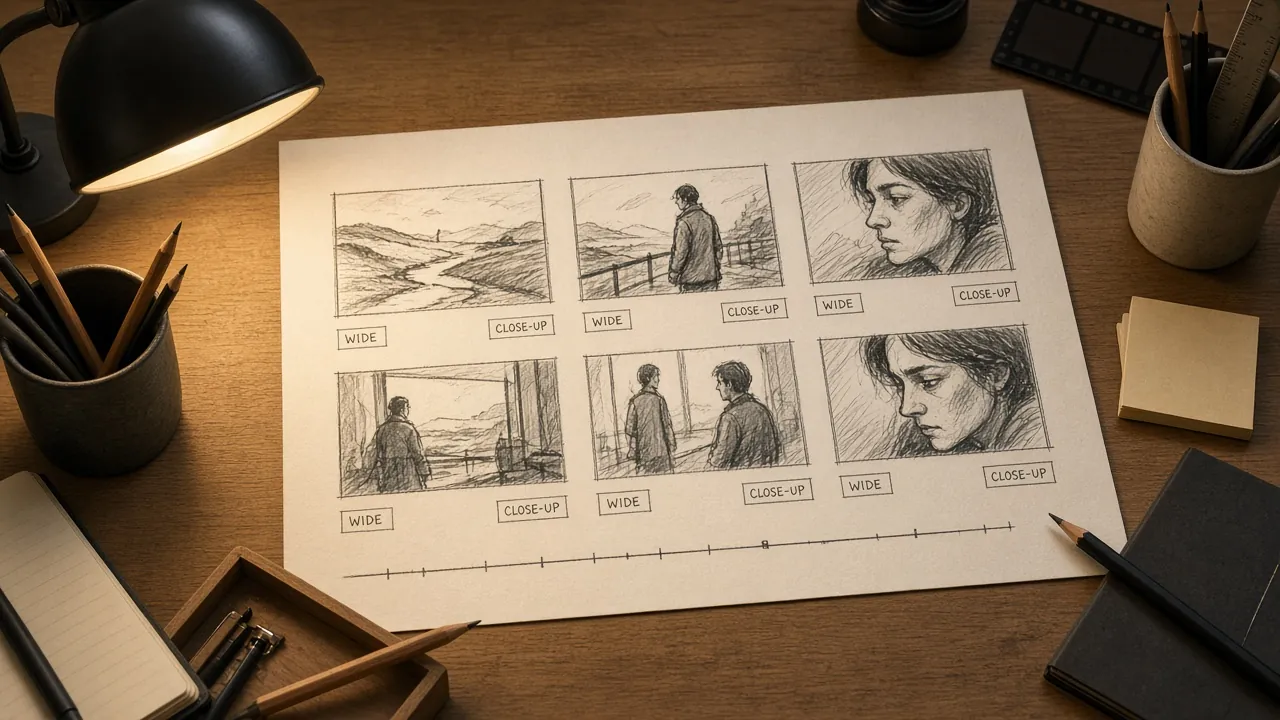
Every current model works in short bursts. One Seedance 2.5 guide sums up the trade-offs as Kling 3.0 for multi-shot scenes of 3 to 15 seconds and Veo 3.1 for 8-second clips; each model page lists its own limits. So the real first step happens on paper. Write the piece as a list of shots, one line each: "wide: a cyclist crests a hill at dawn", "close-up: her breath in the cold air", "drone: the road unspooling below".
Every prompt guide we cite below assumes you work this way. A model given "a short film about a cyclist" has to invent the story, the cuts and the camera. A model given one shot only has to do one thing well.
Step 2: Pick a model and a place to run it
There are two ways in. Apps (Dreamina, CapCut, Kling's site, platforms that bundle several models) give you a text box, buttons and usually some free credits. APIs (fal, Runway's API, Google's Gemini API, xAI and others) charge per second of video and suit people who generate a lot or want to automate. Start in an app; switch to per-second billing once you know which model you like and are making enough to care about the bill.
Prices vary by a factor of ten or more. Here is what a handful of popular models cost per second at around 720p, as each vendor states it:
Price is not quality, and we don't rank models here. A sensible approach is to draft on something cheap and re-run the shots that matter on a stronger model. If you're choosing between two, the side-by-side compare pages list modes and prices together.
Step 3: Write the prompt like a shot description
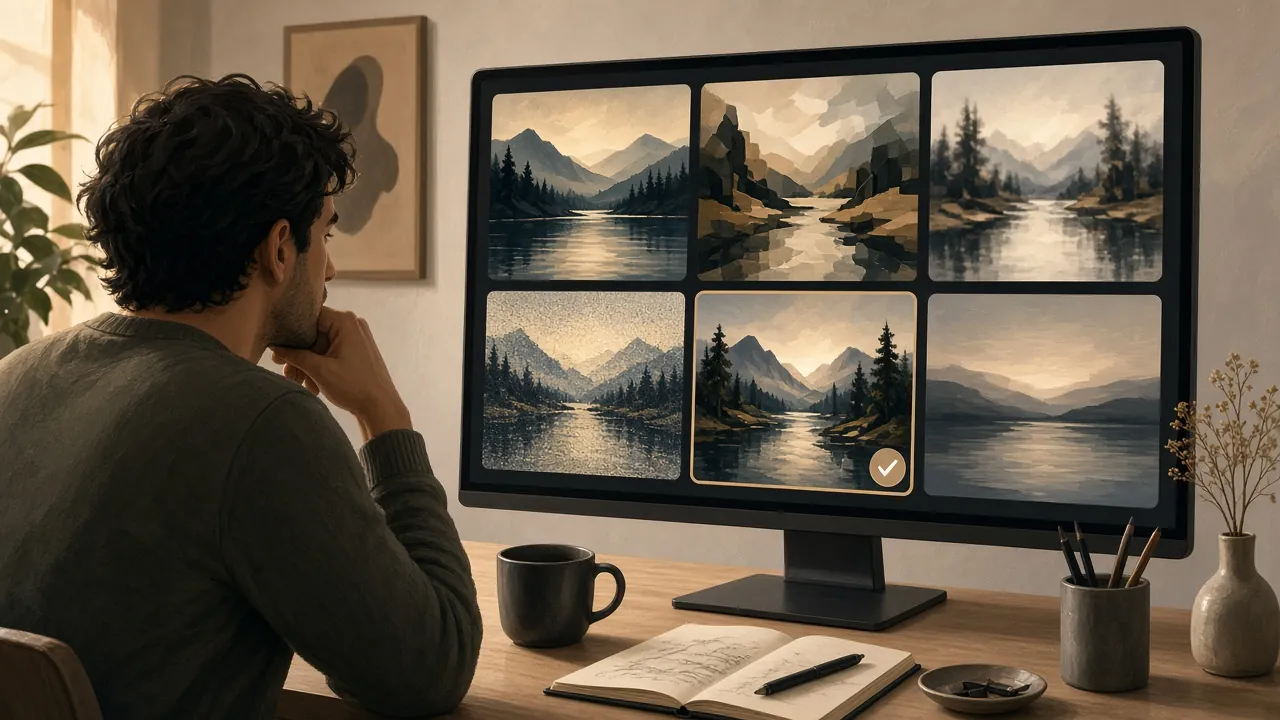
The guides we've read agree more than they disagree. Describe the subject, then the action, then the camera, then the setting and light, then the style, then the sound. A Seedance 2.5 guide suggests global rules for camera position, lighting, colour and ambience, and fal's Seedance 2.5 template builds each stage around one primary action or event. A worked example:
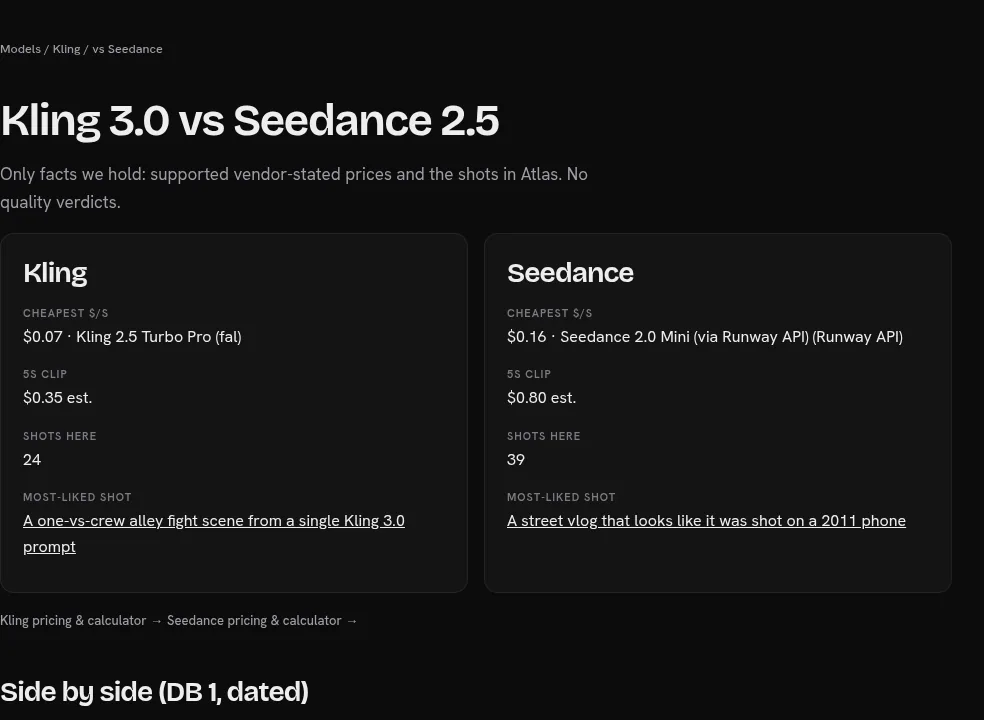
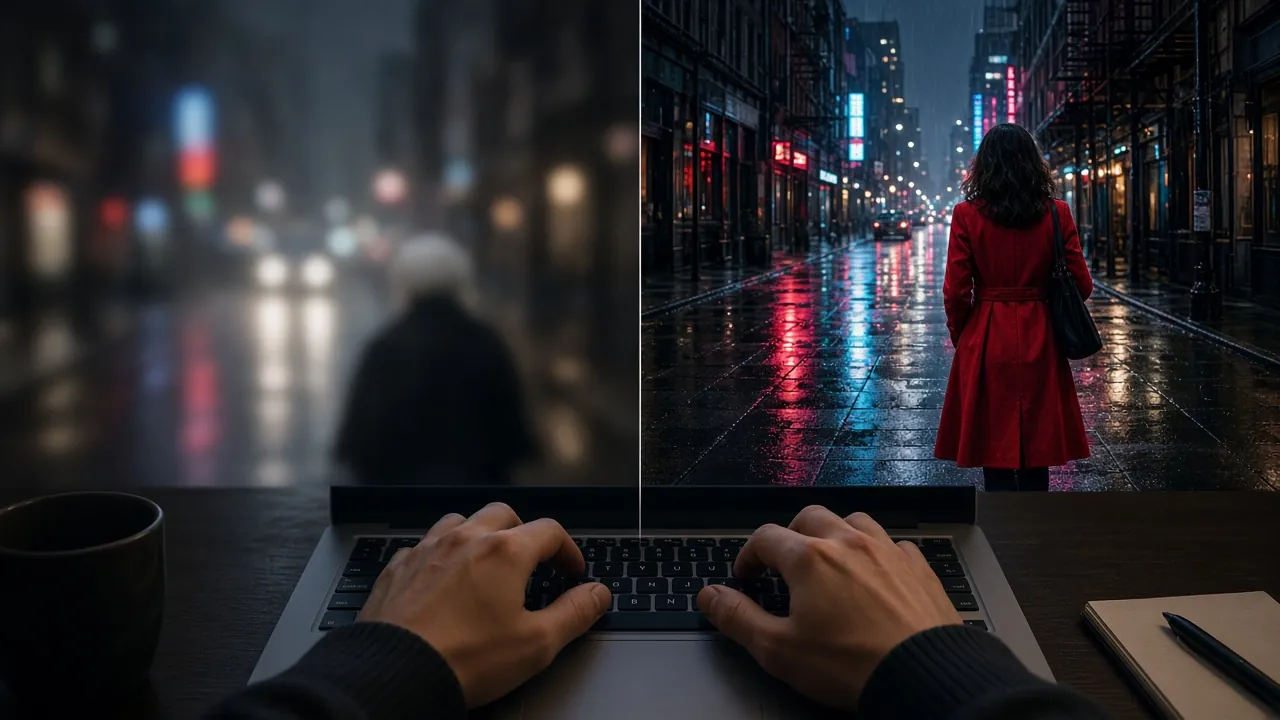
Too vague: a woman cycling, cinematic, 4K, beautiful
Better: A woman in a red rain jacket stands on her pedals as she crests a hill at dawn. Low camera at road level, slow push-in as she passes. Mist in the valley behind her, warm low sun from the left. Natural colour, light film grain. Sound: wind, chain clicking, distant birds.
Two habits save the most money. First, set length, aspect ratio and resolution in the settings, not in the text; one Seedance 2.5 guide calls spec tokens like “4K, 60fps” “noise; choose resolution in the platform.” Second, describe what you want rather than listing what you fear. The same guide's advice on negative prompts: “write a CONSTRAINTS line instead.”
More examples by model: Seedance prompts, Kling prompts and Veo prompts.
Step 4: Start from a picture when the look matters
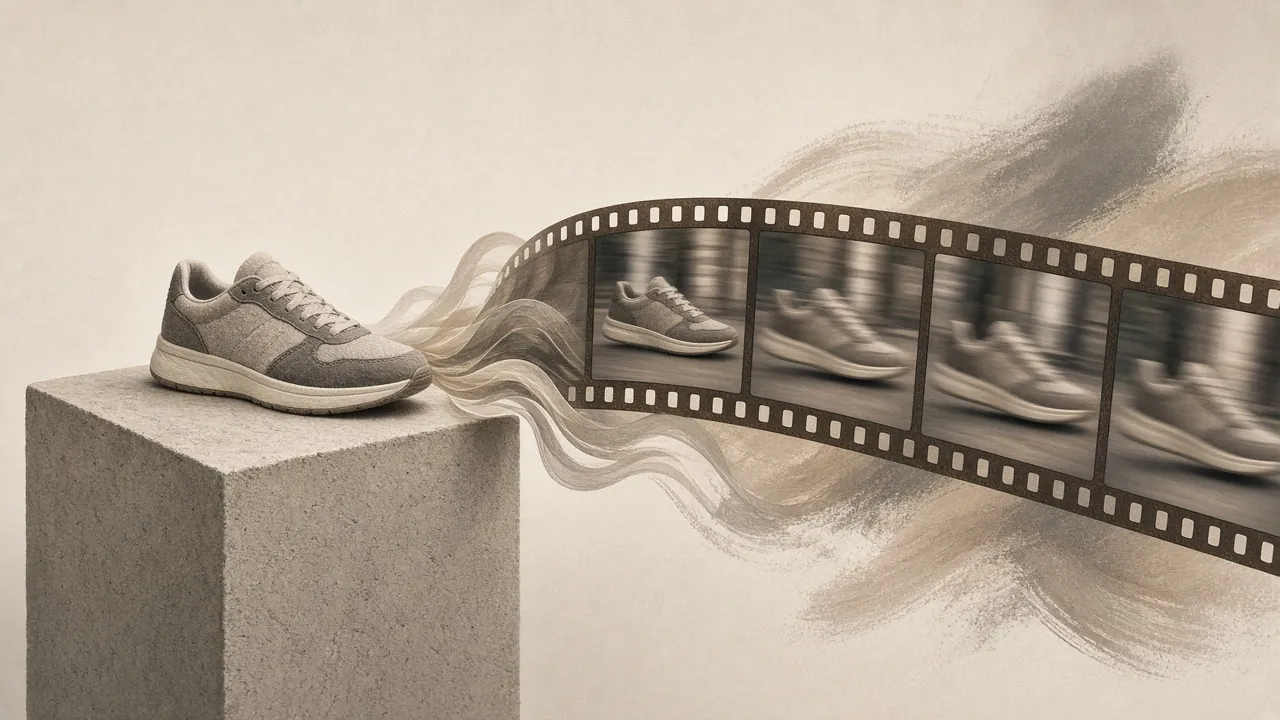
Text-to-video is fine for exploring. When you need a specific face, product or style to stay put, generate or shoot a still first and animate it (image-to-video). Then write only what changes. fal's Seedance 2.5 guide says the same for reference video: when the reference already defines the motion, “state only which attributes to inherit.” The image or clip sets the look; spend the words on movement, expression, weather and camera.
Step 5: Generate a few takes, change one thing
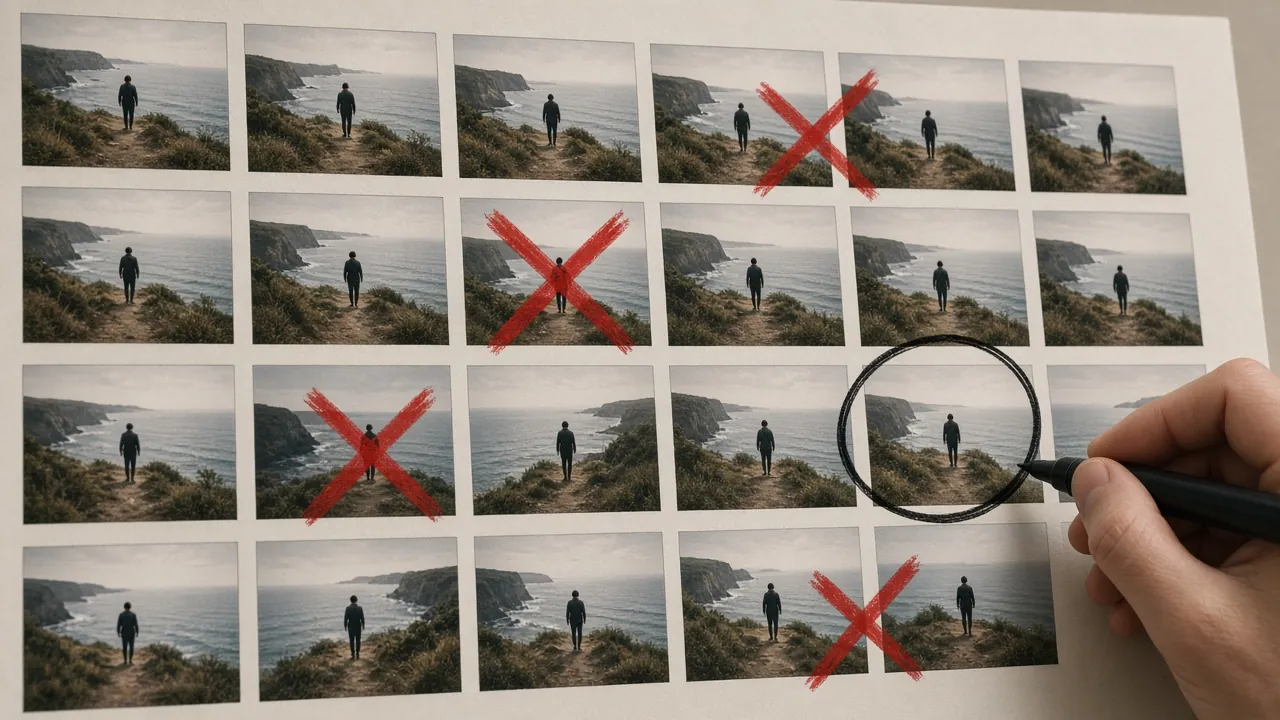
Plan on two or three takes per shot. When a take is close but wrong, resist rewriting the whole prompt. Change a few words at a time so you can tell which change helped. If the camera is wrong, change the camera sentence; if the mood is wrong, change the light or style sentence.
Some failures are well known and have known fixes: the camera ignoring your move, faces drifting between shots, products changing shape, unwanted cuts, burned-in text. We keep sourced fixes for these by model on Fix a failed take, for example face drift in Seedance and Kling ignoring the camera.
Step 6: Edit it like normal footage
Bring the keepers into any editor (CapCut, Premiere, DaVinci Resolve, even a phone app), trim each clip to its best moment, and cut on action. If your model generated sound, check it shot by shot; a music bed or ambience track across the whole edit can smooth over differences between clips.
What it costs: a worked example
Say you're making a 30-second piece: six shots of 5 seconds, three takes each. That's 90 seconds of generated video. At the rates above:
- Veo 3.1 Lite (720p, with audio): Discontinued: Google listed these preview IDs as shutting down Oct 22, 2026; use gemini-omni-1.1-flash (Gemini Omni Flash) on the Gemini API, or the GA Veo 3.1 models on Gemini Enterprise Agent Platform (veo-3.1-generate-001, veo-3.1-fast-generate-001).
- Kling 3.0 (720p, audio): 90 × $0.126 = $11.34
- Seedance 2.5 via Runway (720p output): 90 × $0.30 = $27.00, plus Runway's charge for any input video
- Seedance 2.5 on fal (720p): 90 × $0.473 = about $42.57 (fal states the rate as “roughly”)
The takes, not the final length, drive the bill, which is why tighter prompts are the best saving. Run your own numbers in the calculator.
A simple first project
If you want somewhere to start tonight: pick one subject you can describe in detail, write four shots (wide, medium, close-up, a moving shot), generate each twice on a cheap model, keep the best four, and cut them to a 20-second piece of music. You'll learn more from that than from any single perfect clip. When you're ready for longer work, our workflow guides cover multi-shot pipelines.
Prices are vendor-stated and dated in the table; quotes are checked against the saved source pages. No links on this page are paid.
When you need a pick by job (not a tutorial), open best AI video generators compared.
FAQs
How do I make an AI video for free?
Yes, within limits. Dreamina says you can try Seedance 2.0 with free daily credits (that page is for the older 2.0; we haven't verified free access to Seedance 2.5, so treat that as unknown); a reseller's walkthrough notes that free-tier outputs carry a watermark. Free tiers are good for learning to prompt. Expect to pay once you need clean, watermark-free footage or more than a few clips a day.
How do I make AI videos for YouTube?
Treat a YouTube piece like a shot list, not one long prompt. Generate 5–10 second clips, keep the best takes, and edit them in a normal timeline with music and captions. Disclose AI-generated media when the platform asks. The model picks on our best AI video generator guide map to common YouTube jobs (UGC, titles, camera moves); this page is the process.
How do I make an AI music video?
Same workflow, different brief: lock the song length, cut the track into short beats, and write one shot per beat (subject, action, camera). Generate each beat twice on a cheap tier, then re-run the hero beats on a stronger model. Native-audio models (Veo Lite in the table above) can draft with sound; many editors still replace the bed with the real track in the cut.
How do I use Veo 3?
People search "how to use veo 3"; the current Google rows we price are Veo 3.1 on the Gemini API (Lite in the table). Write a reusable brief (subject, action, camera, light, sound), set length and resolution in the UI, and draft on Lite before paying for Fast or Standard. Full rates: Veo pricing. A worked JSON-style example lives on the miniature banana gelato shot page.